
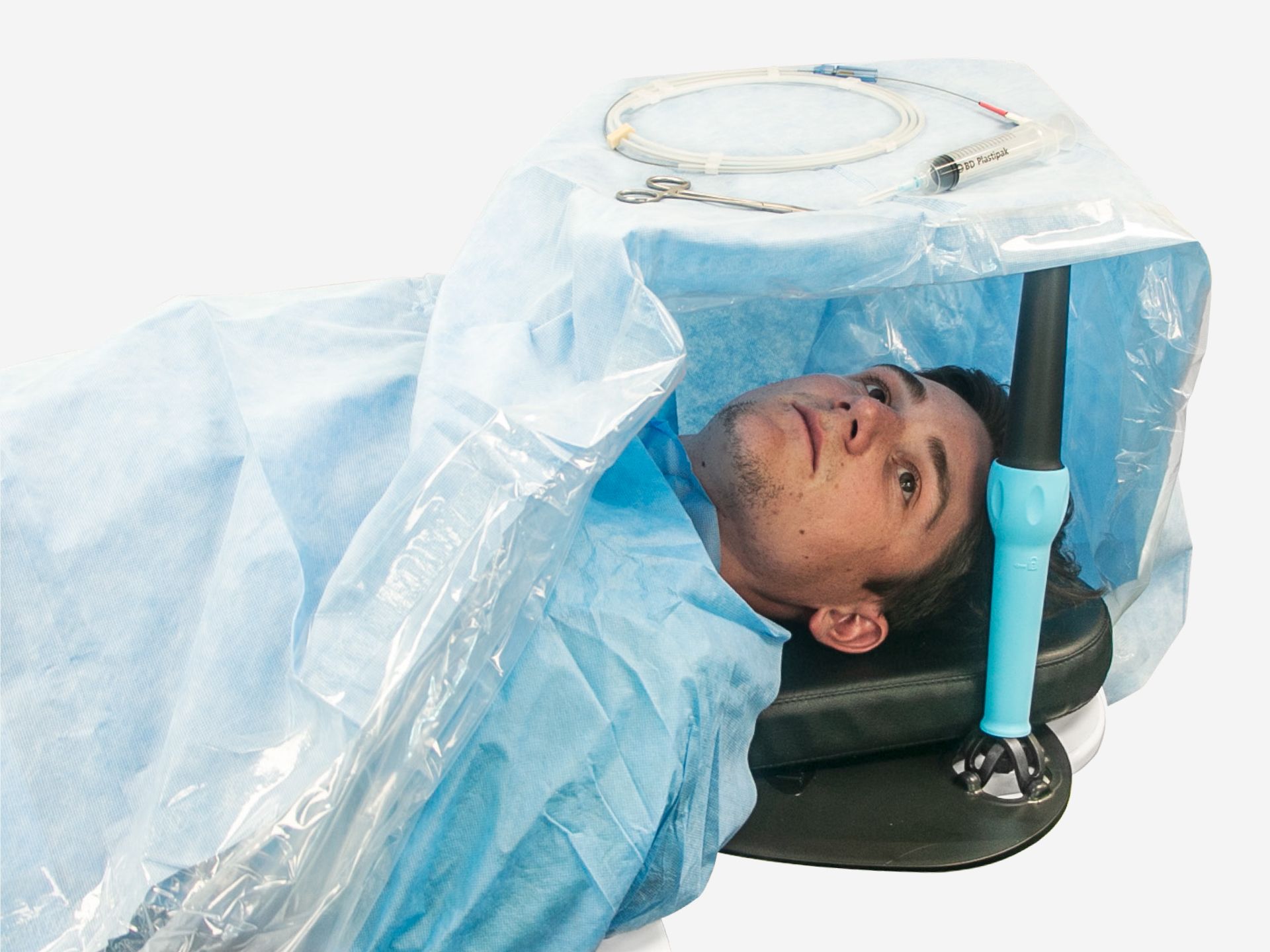
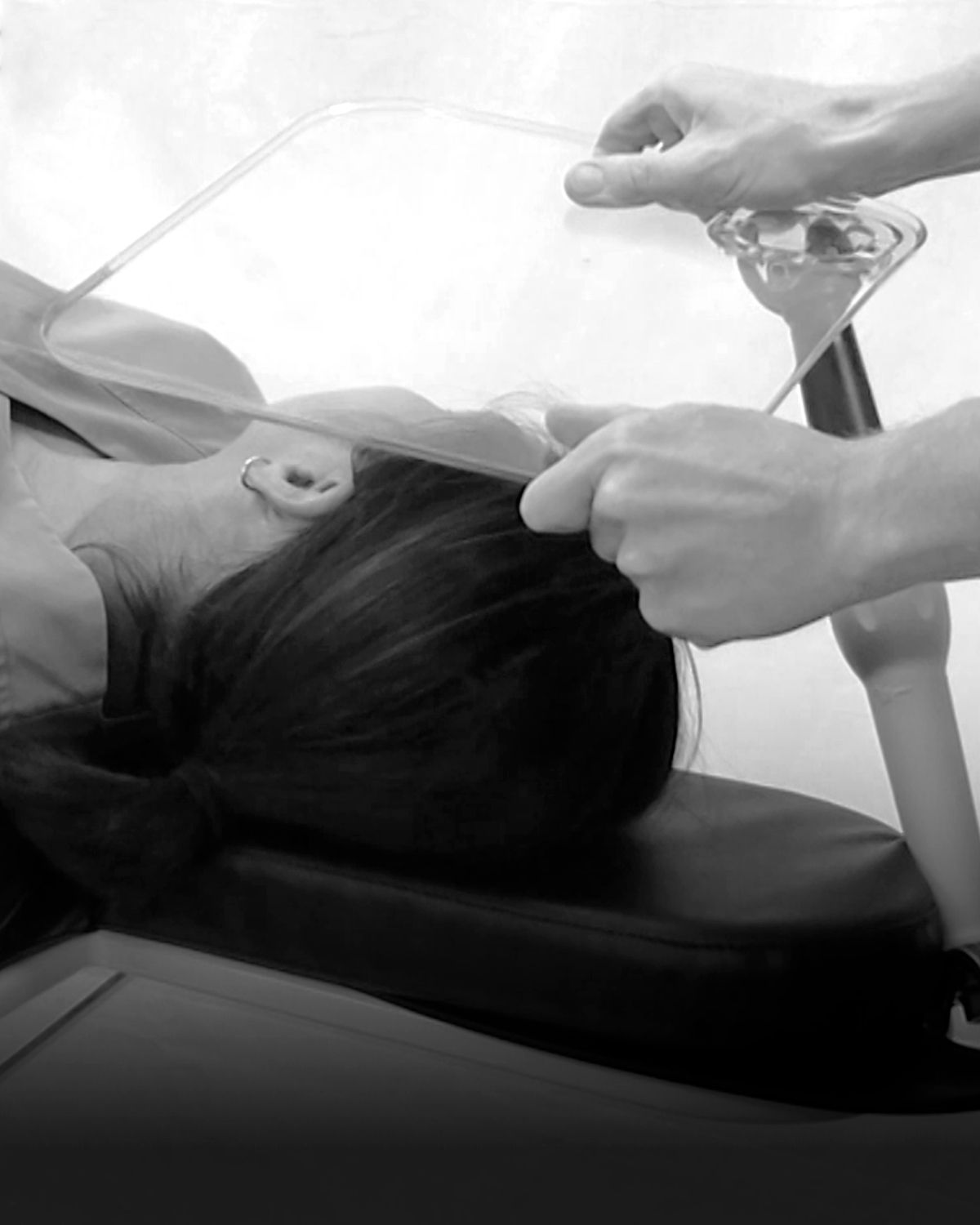
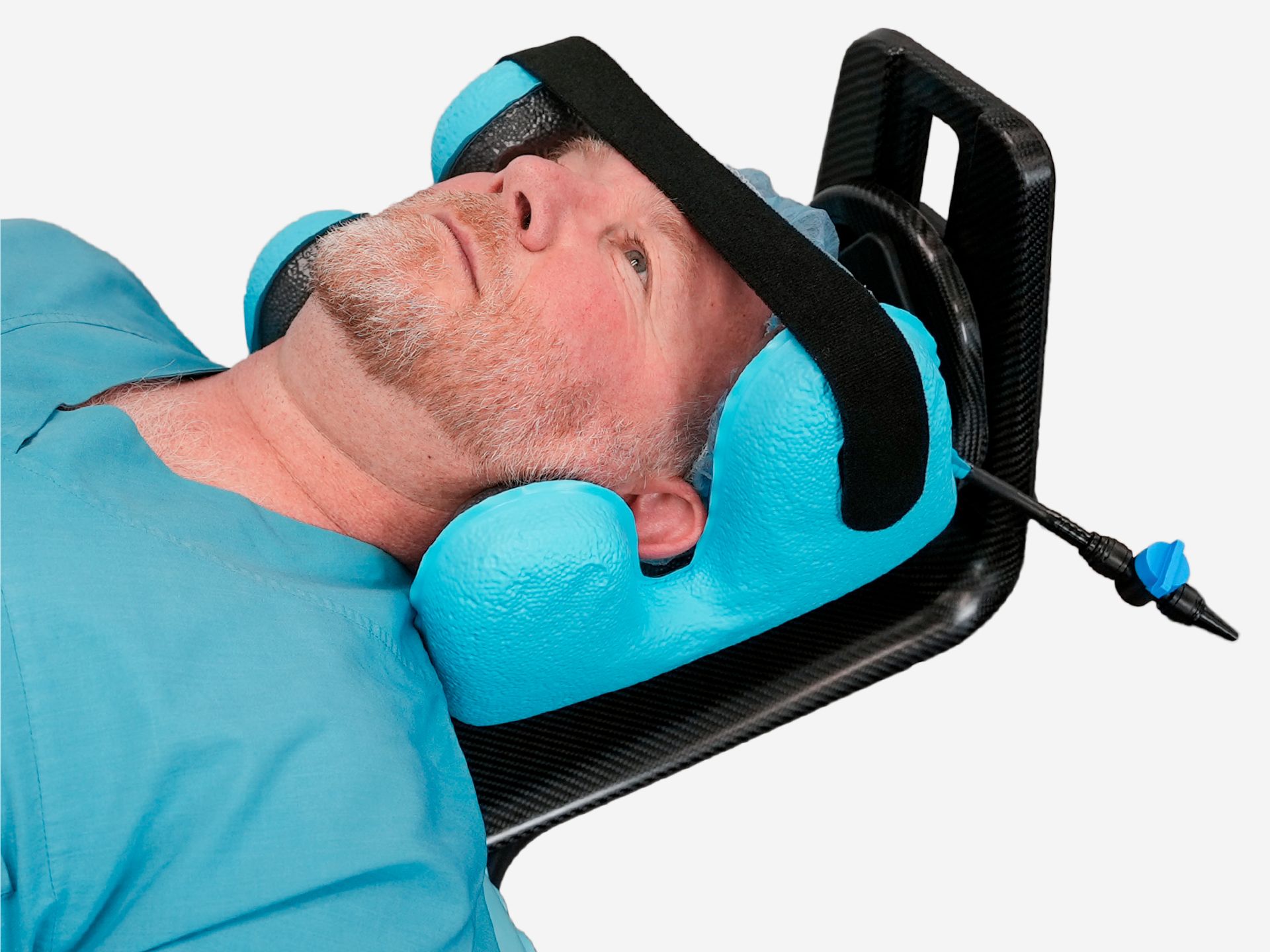
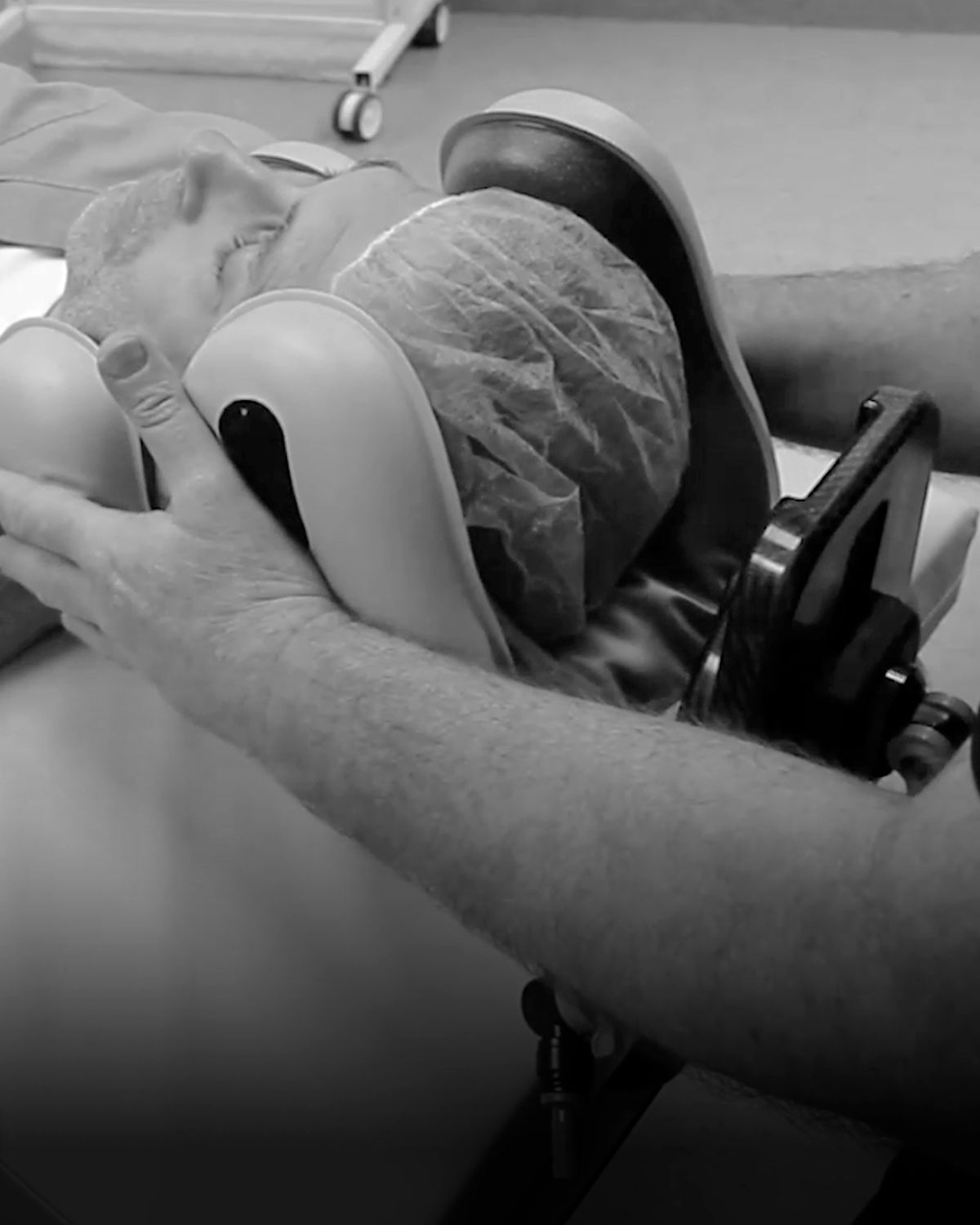
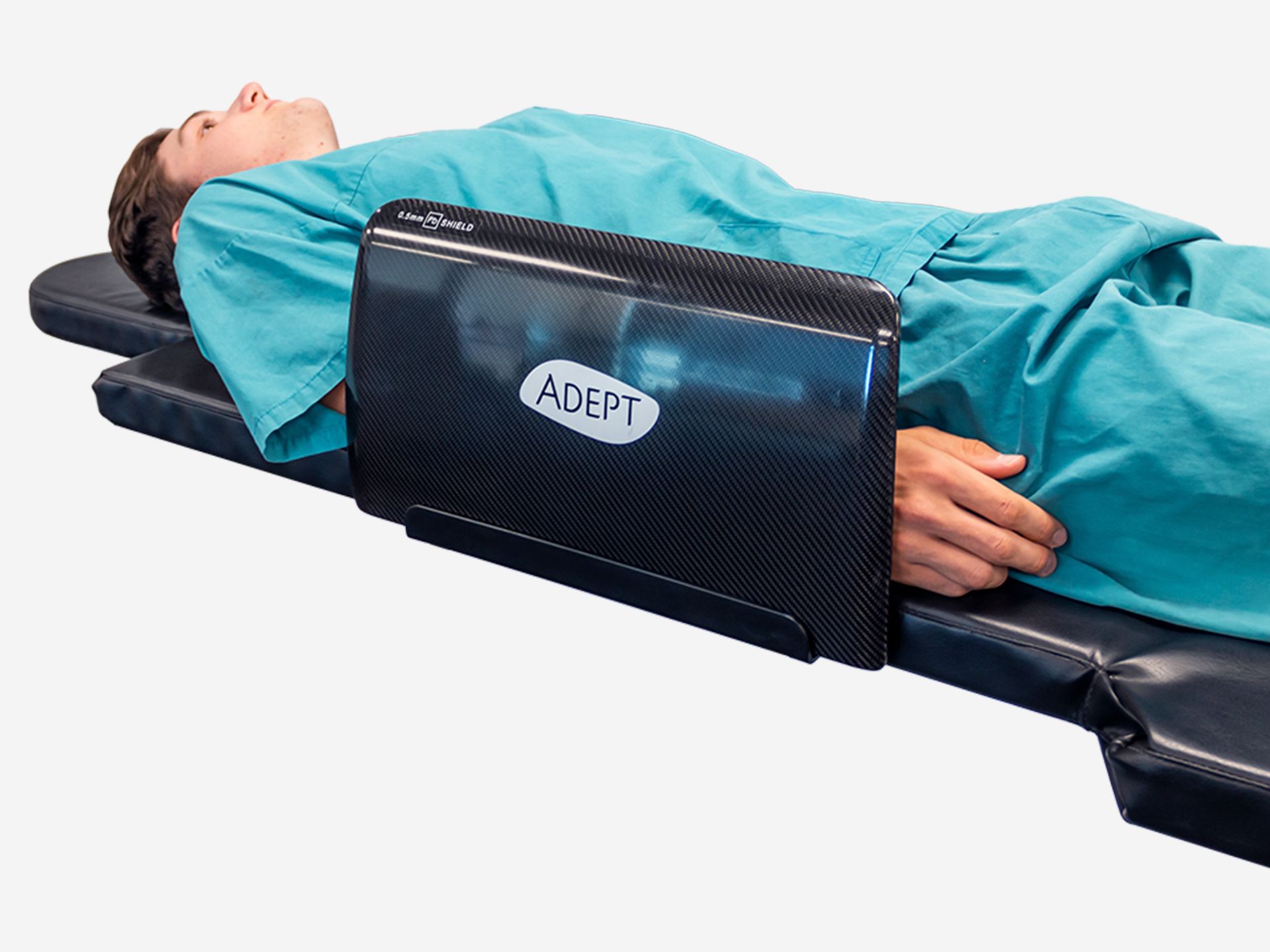
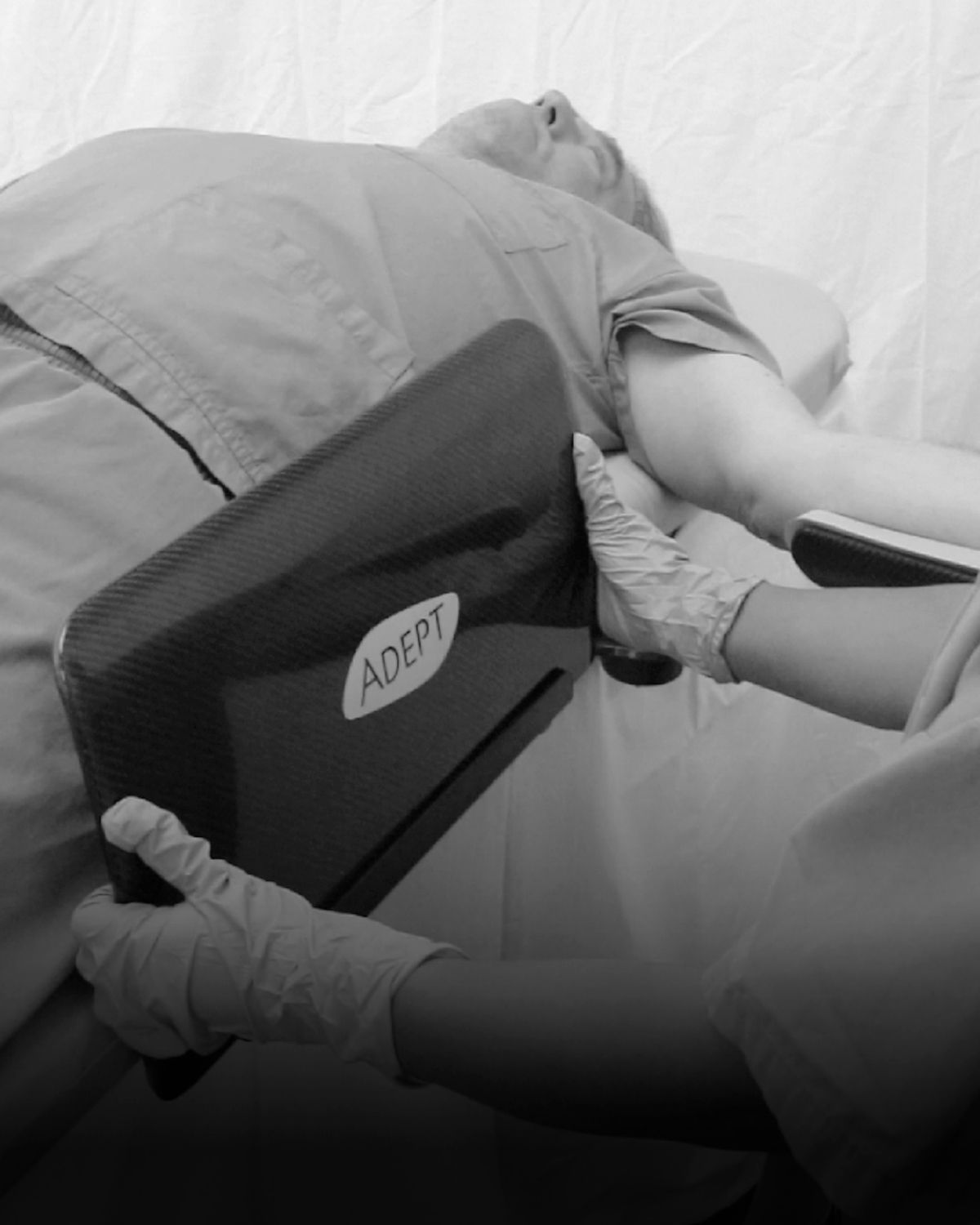
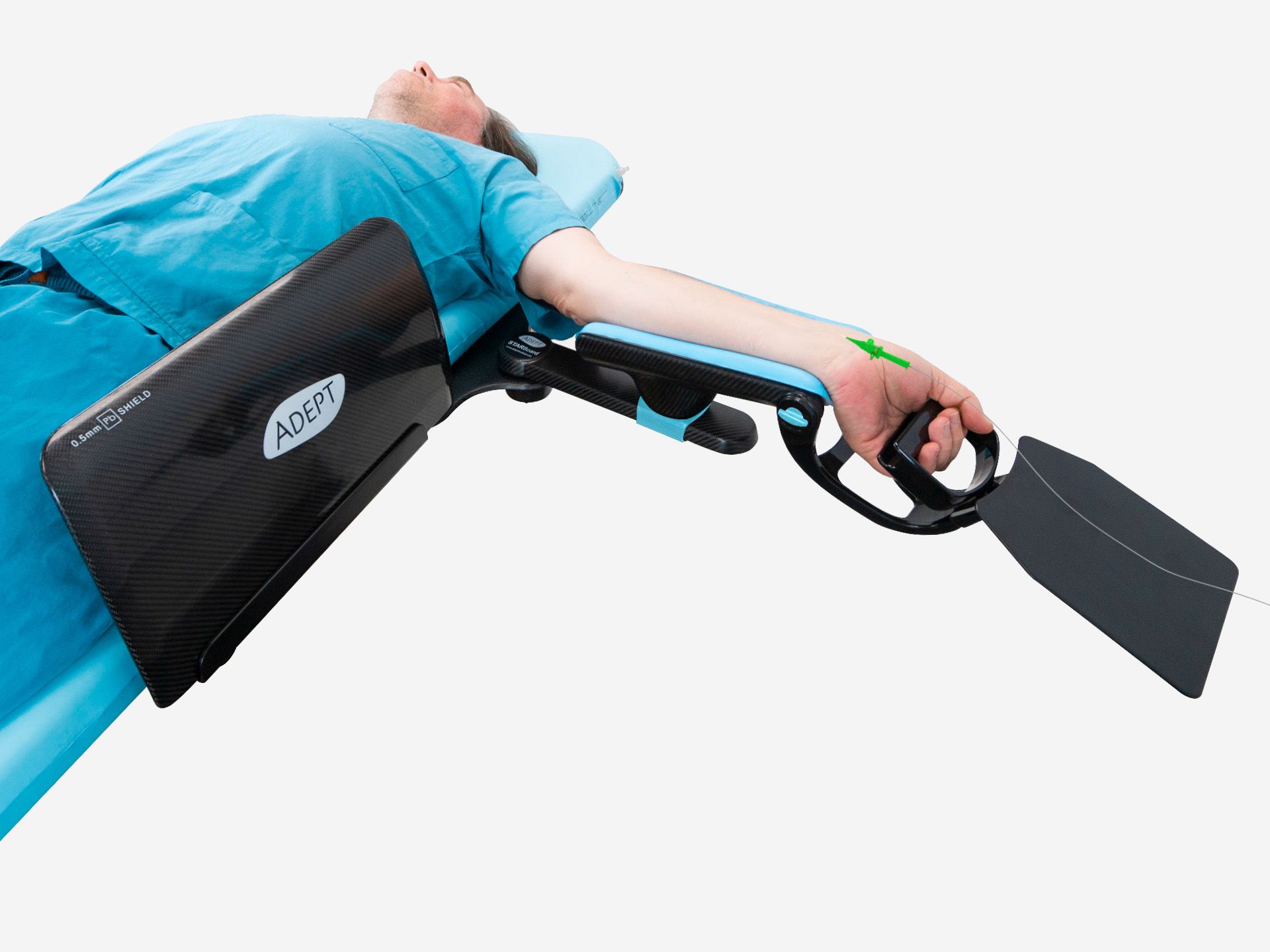
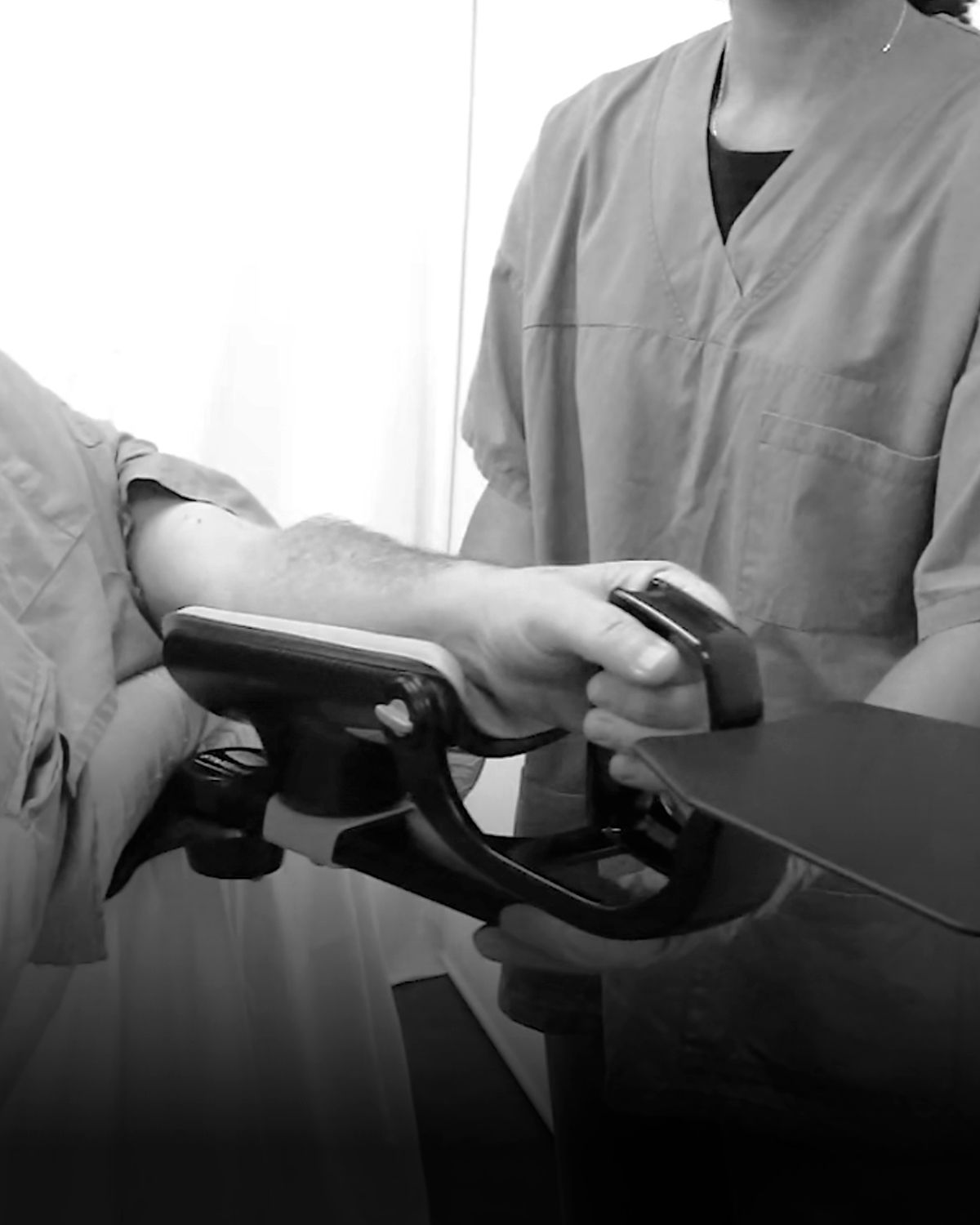
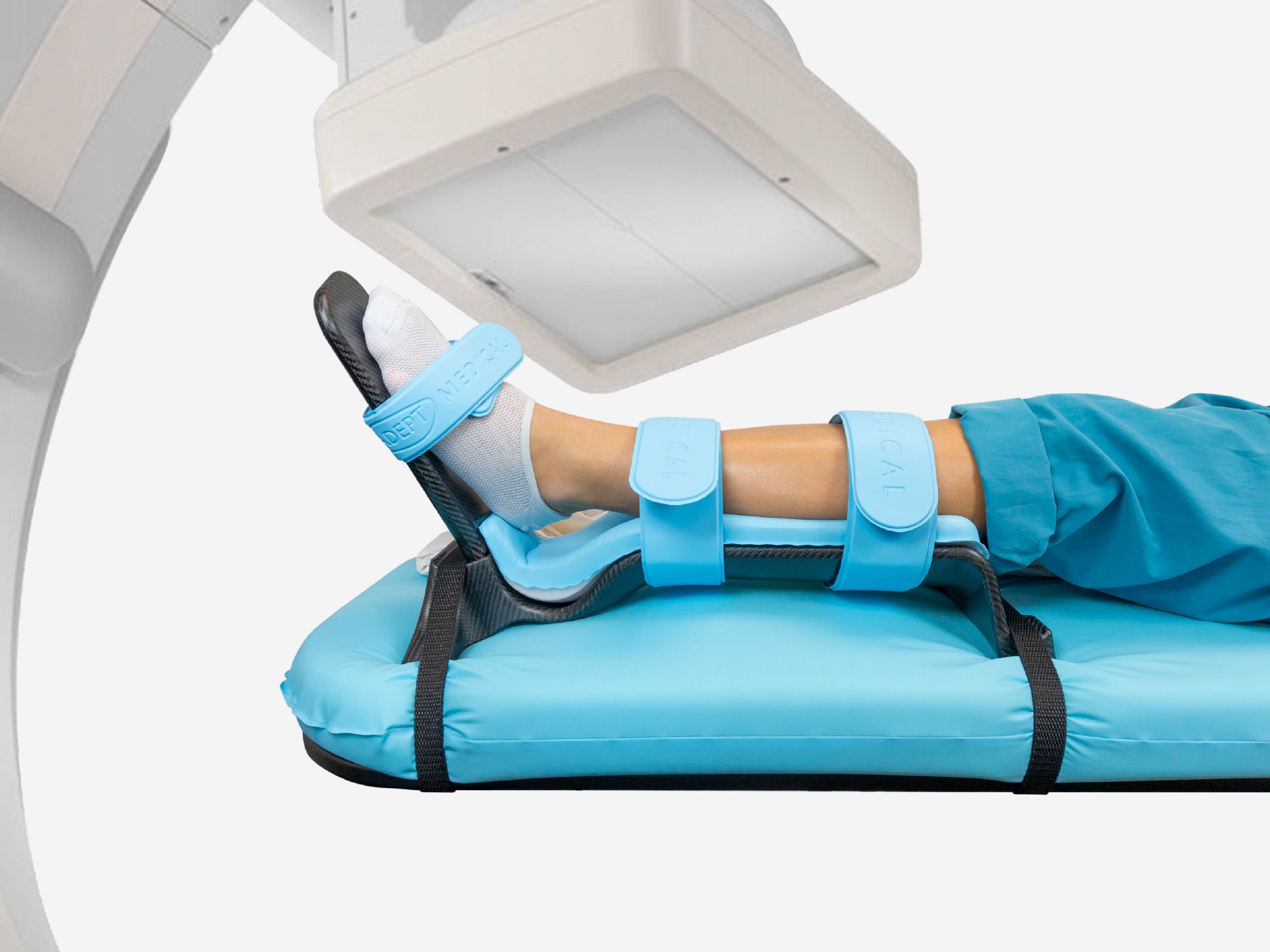
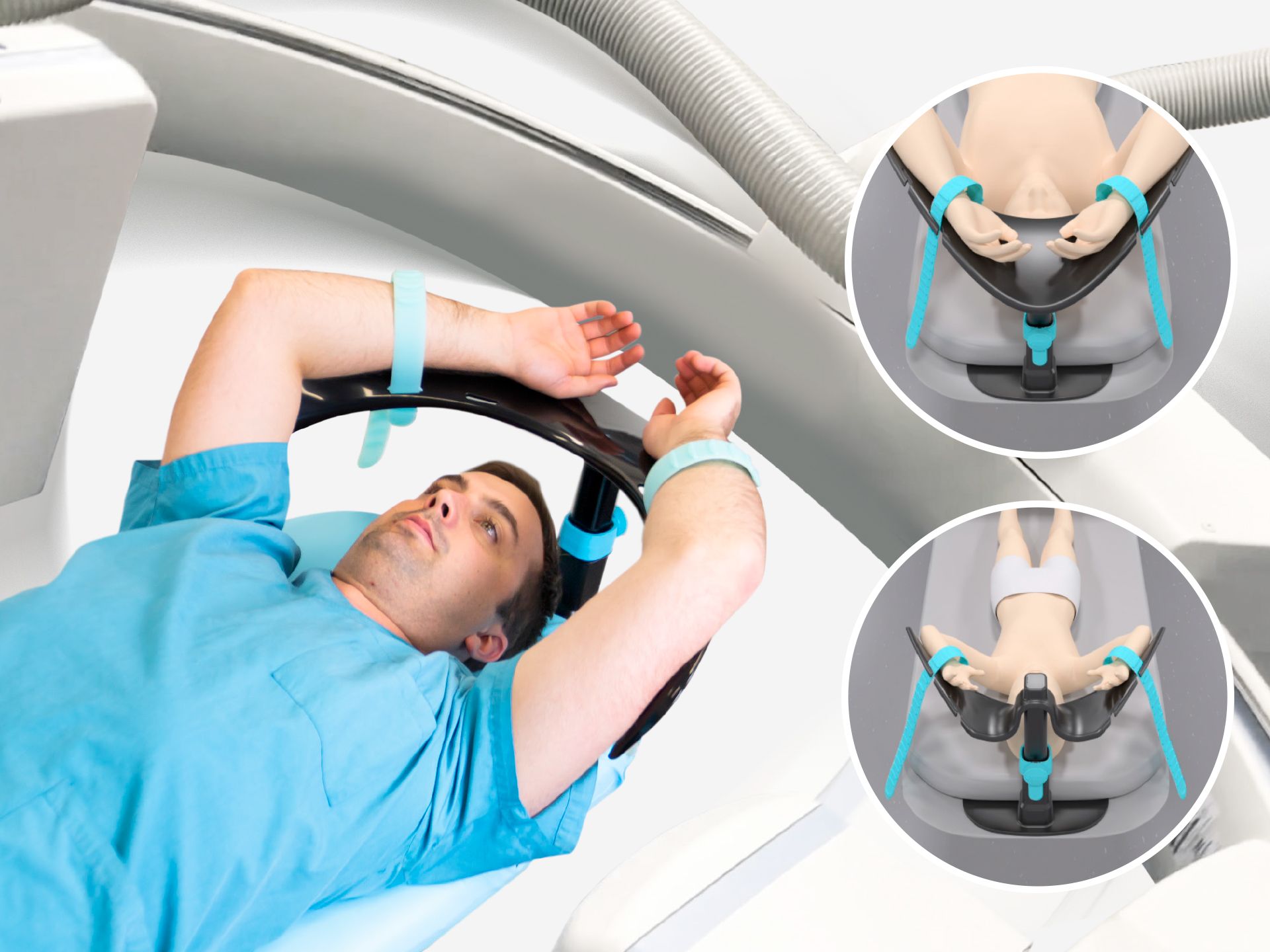
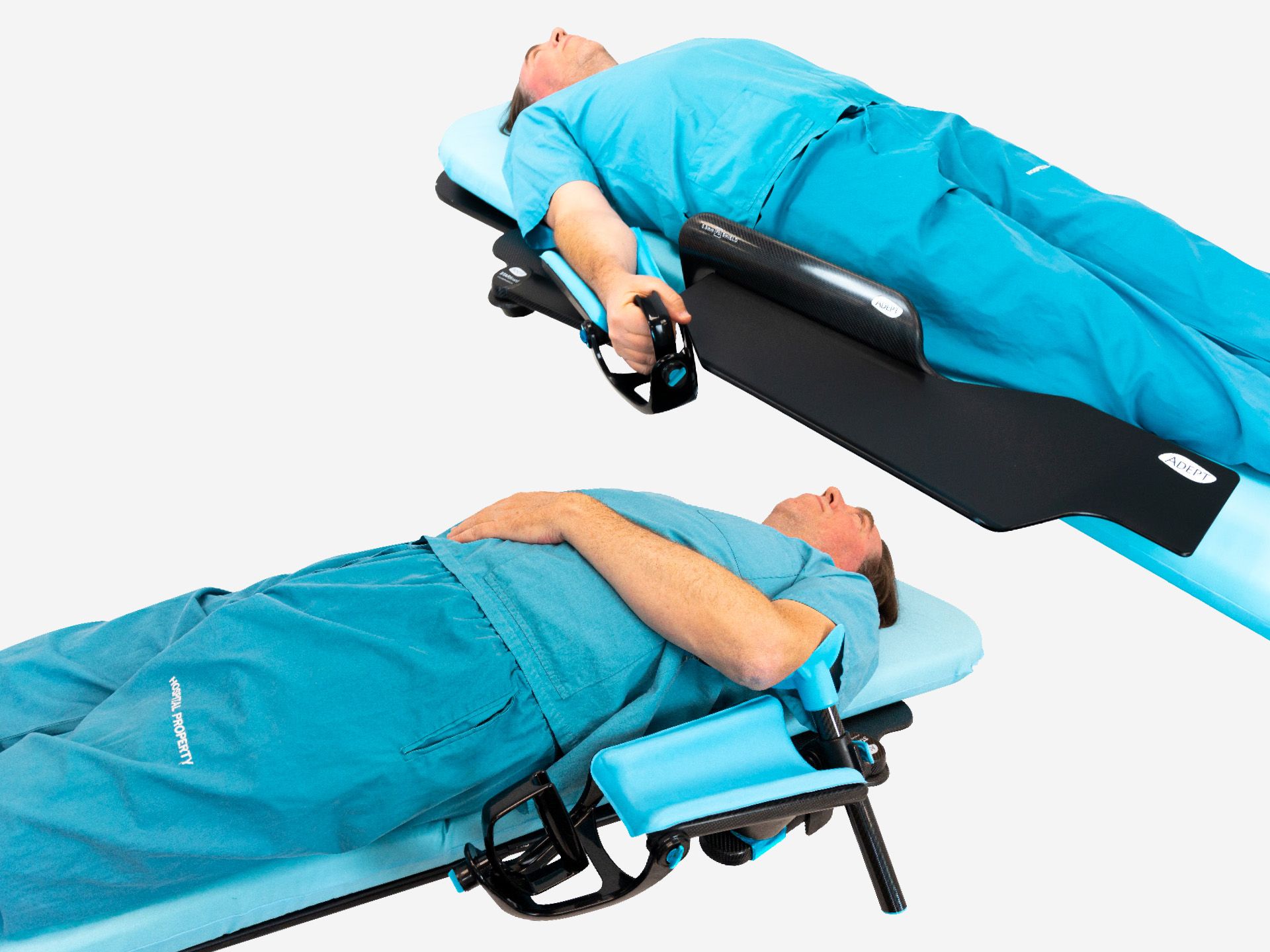
Retrograde IR Platform
Retrograde IR Platform Training
Codes: AM0400 · AM0410 · AM0420 · AM0450 · AM0460 · AM0470How to use Retrograde IR Platform
Choosing your Retrograde IR Platform
Choose from two widths when deciding on the right platform for your procedure.
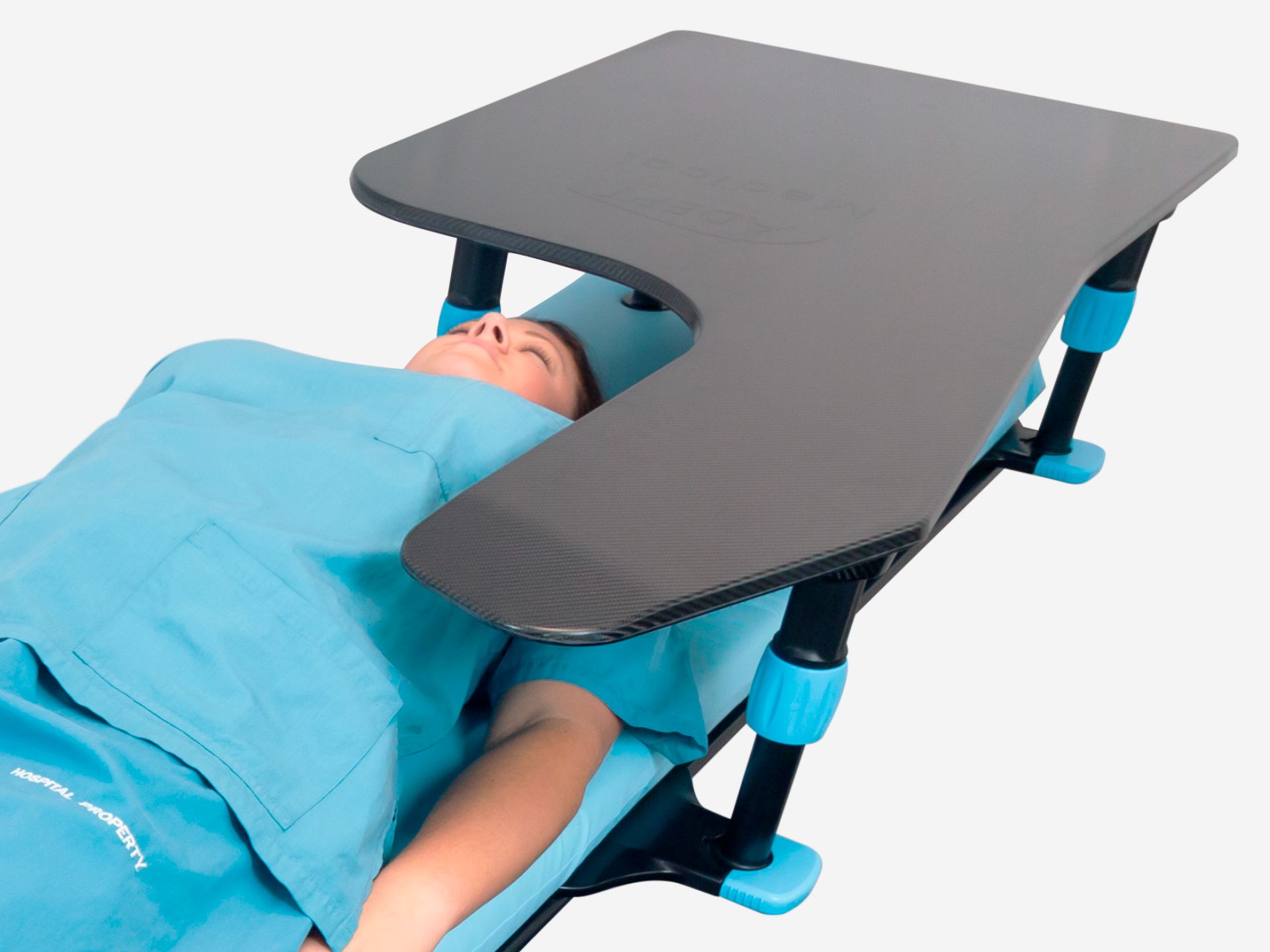
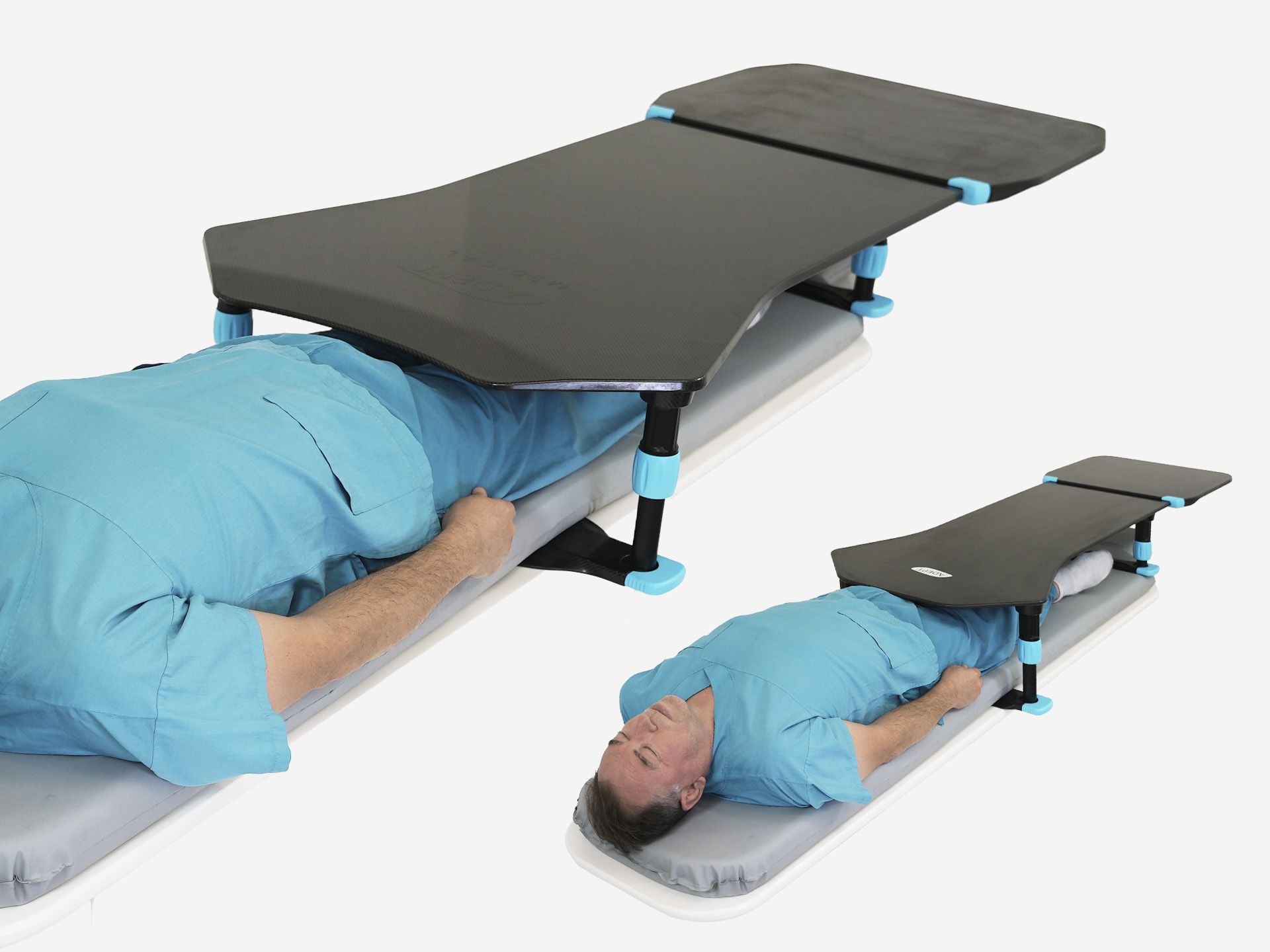
The standard AM0400 offers a broad surface with ample space for procedural equipment.
The AM0450 offers a narrow surface with a slimmer design that keeps clear of rear-mounted equipment, well-suited for compact work areas.
Both platforms can be fitted with an optional extension to add length when using longer equipment, ideal for over-the-wire catheter systems.
How to assemble the Retrograde IR Platform
Screw the legs onto the screw threads on the underside of the platform. Twist firmly to ensure they are secure.
Attach the rear base onto the platform legs by placing the grooves on the base onto the flat surface of the rear legs. Push the blue locking clips on both ends to lock in place.
Attach the front base the same way, but position it under the mattress, near the patient's knee, before locking on the legs.
How to attach the leg extension
The optional leg extensions are compatible with both the Retrograde IR Platform (Narrow), and the Antegrade IR Platform. Use them if additional height is required, for an extra 100 mm of lift.
To attach, screw the open-ended side of the blue leg extension on the threaded end of the leg. Twist until tight and secure. Then, screw the extension onto the threaded slots on the underside of the relevant IR Platform. Twist firmly to ensure all connections are secure.
How to set up the device and position the patient
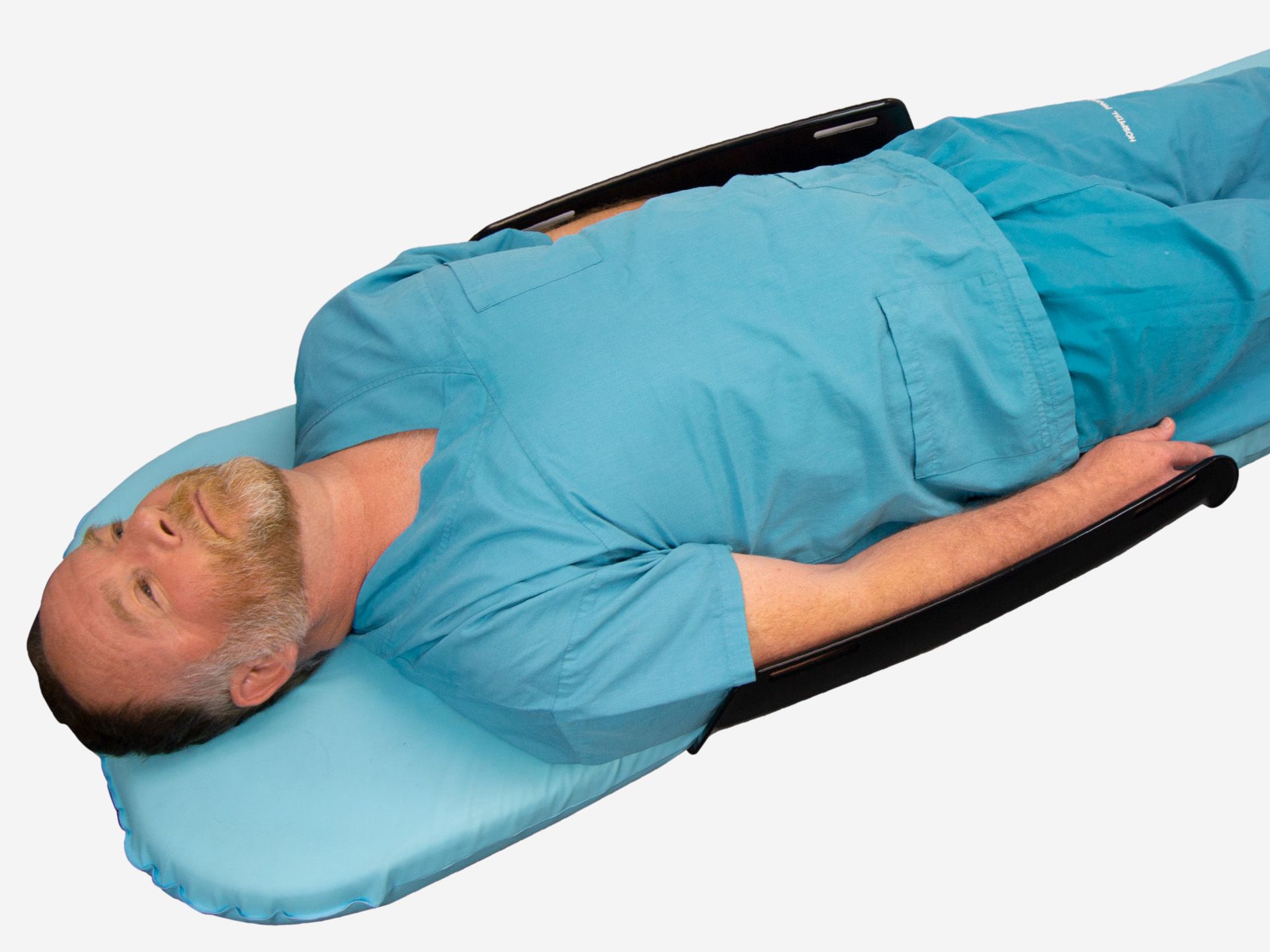
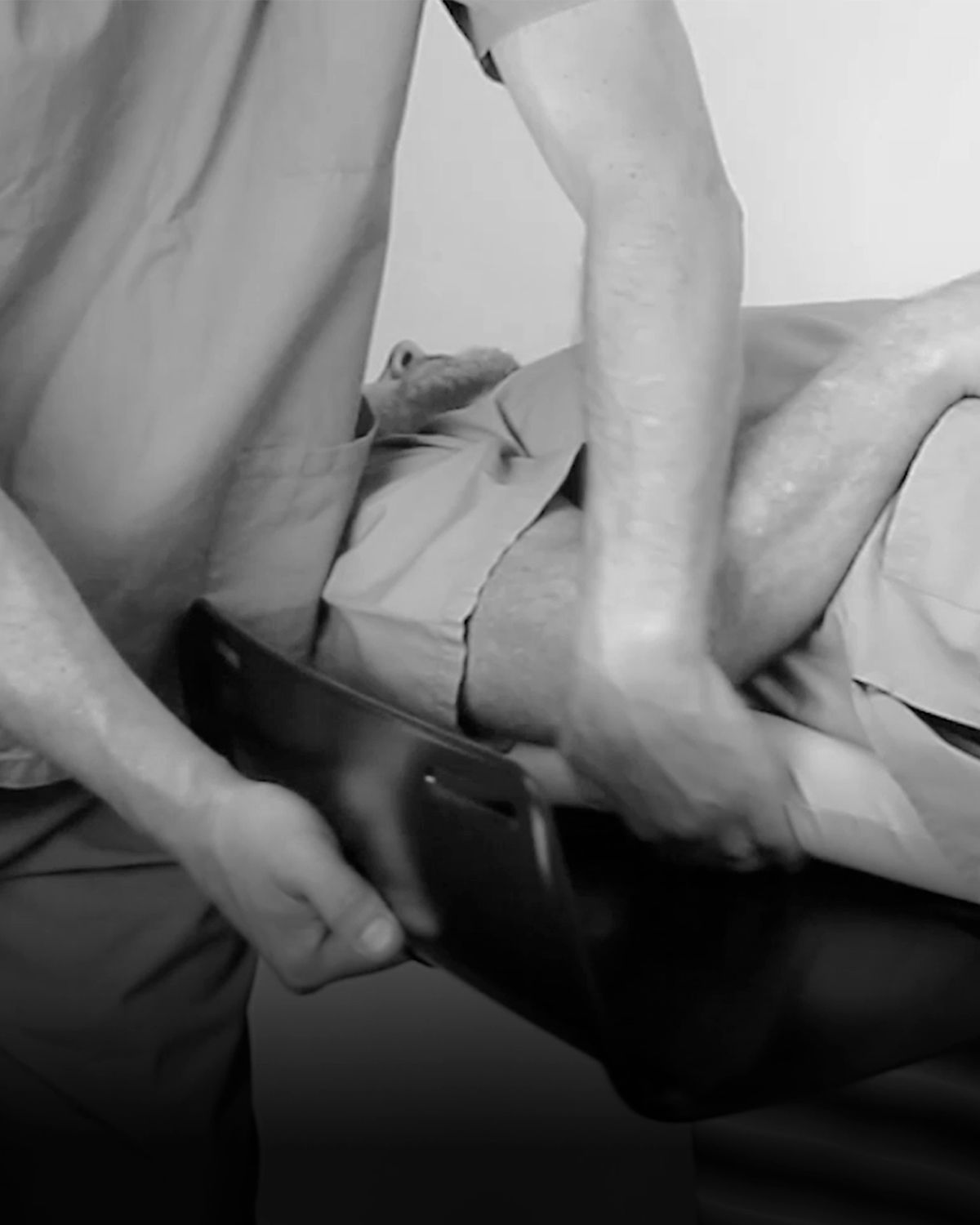
Insert the front base under the mattress, near the patient's knee. Ensure both grooves are visible on either side of the table. Slide it upward until it is under the patient's upper thigh.
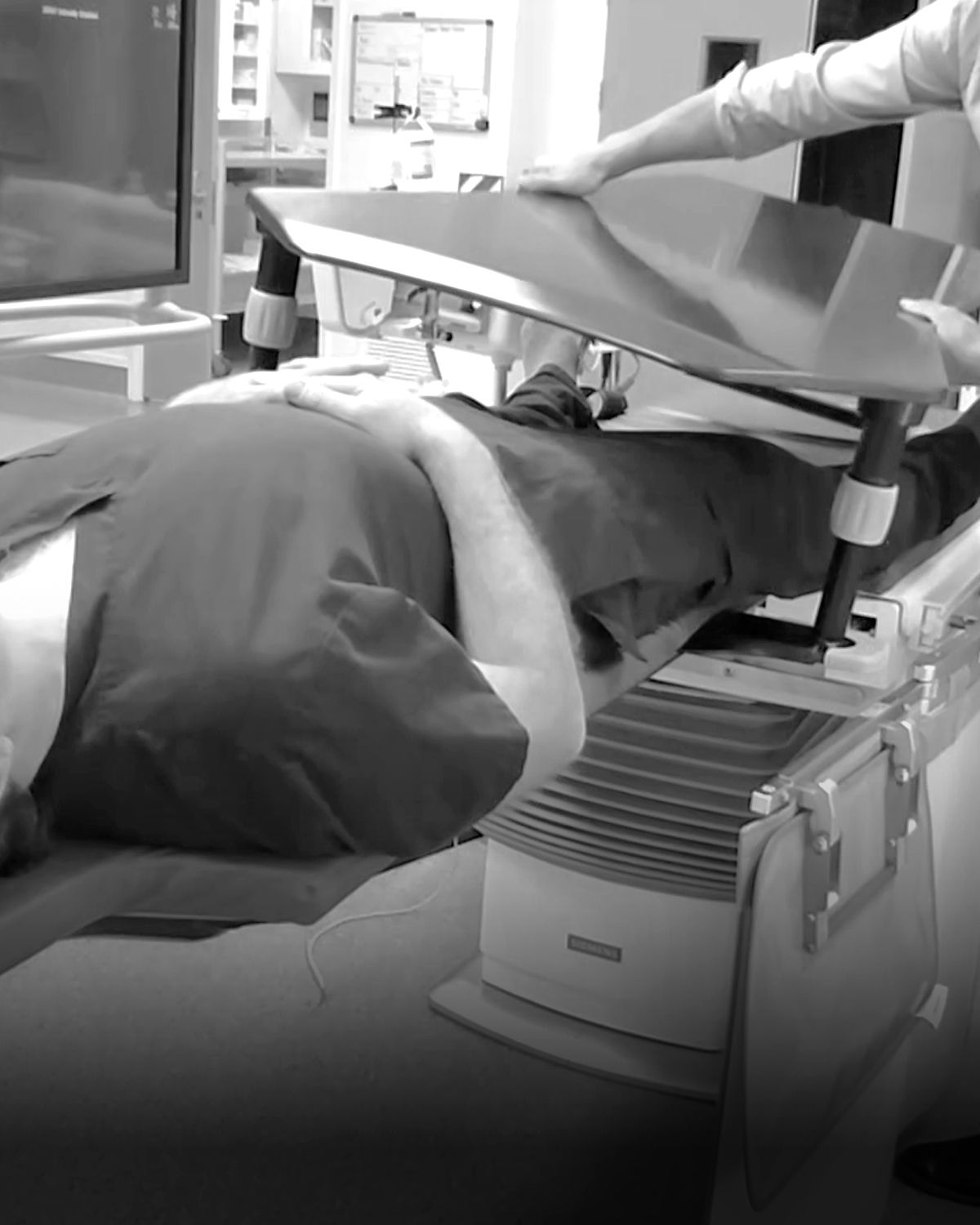
Place the platform over the patient with the feathered edge closest to the torso. Align the legs to the grooves in the front base then push the blue locking clips on both ends to secure.
Ensure the rear base sits on top of the mattress beyond the patient's feet.
Slide the full platform up or down the patient for your ideal placement.
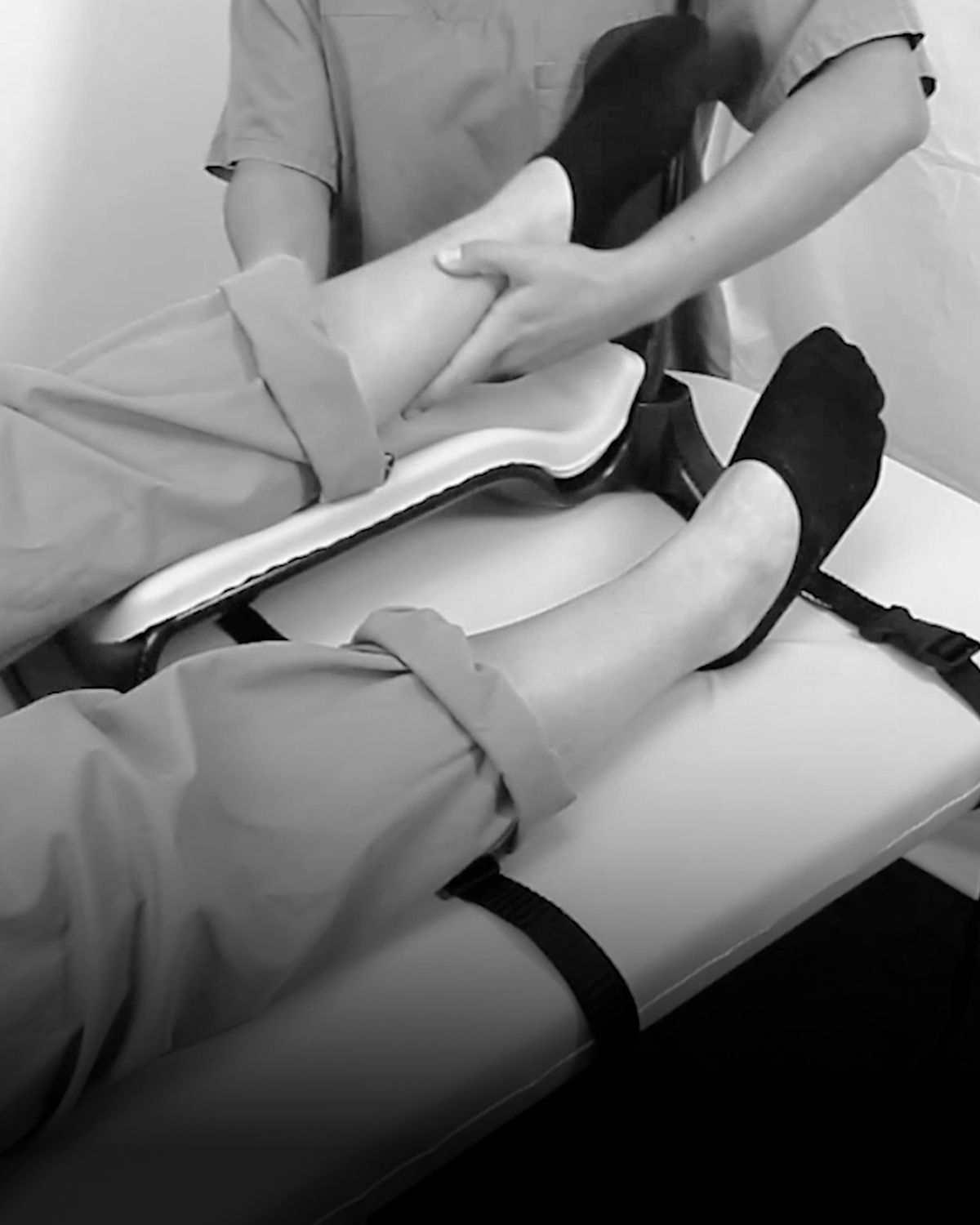
Position the patient's feet under the platform or one foot on either side for comfort.
How to adjust the Retrograde IR Platform height
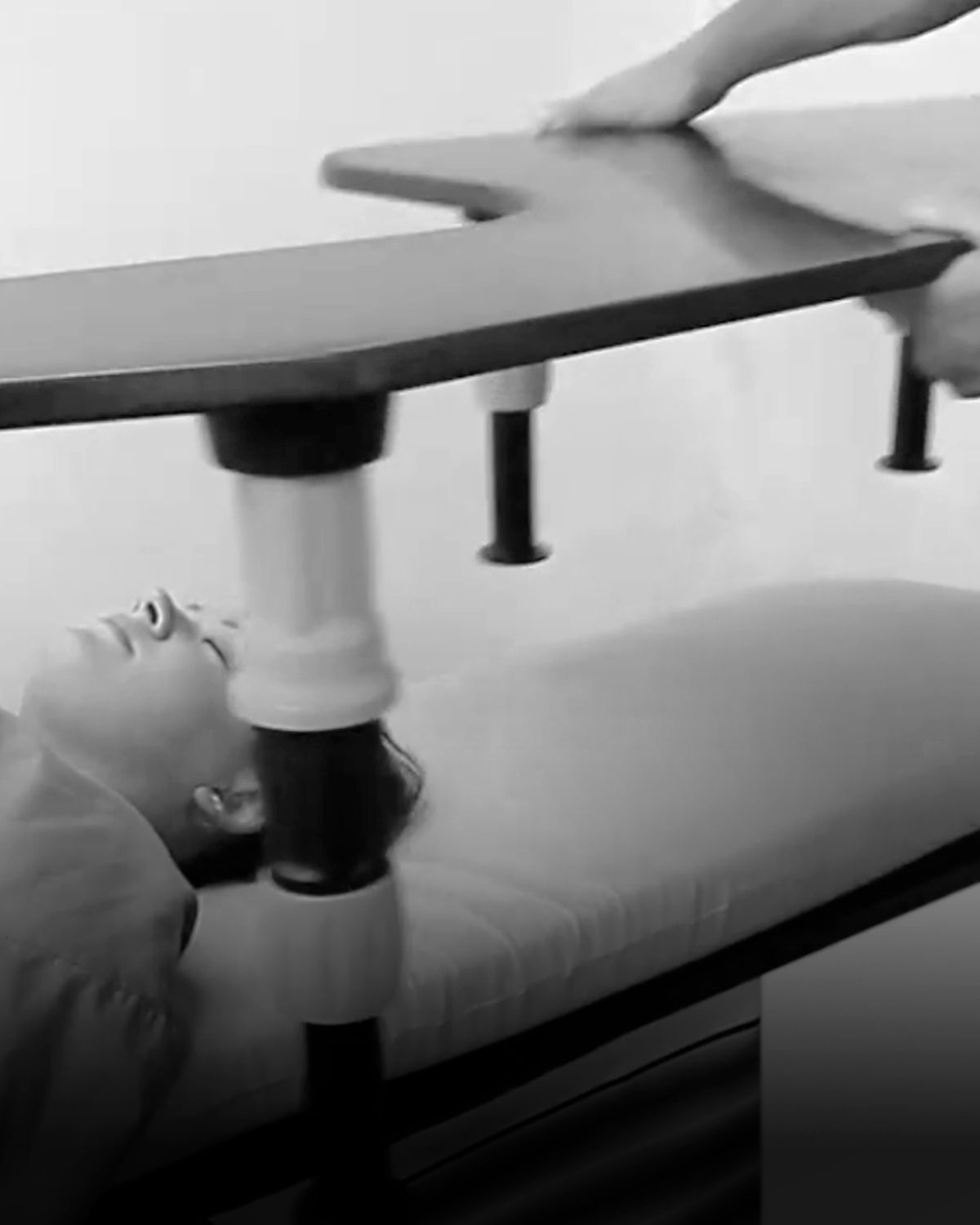
Twist the blue collar on each of the legs anti-clockwise to unlock. This allows the platform to rise for increased height. Push down on the platform to lower it. When the preferred height is reached, twist the blue collar clockwise to lock each leg.
Use the optional leg extensions if further height adjustment is required.
How to attach the platform extension
Insert the compatible extension onto the end of the platform until it reaches the two indents. Push the two blue locking clips on both sides to lock in place.
AM0410 is compatible with AM0400.
AM0470 is compatible with AM0450.
How to store the device?
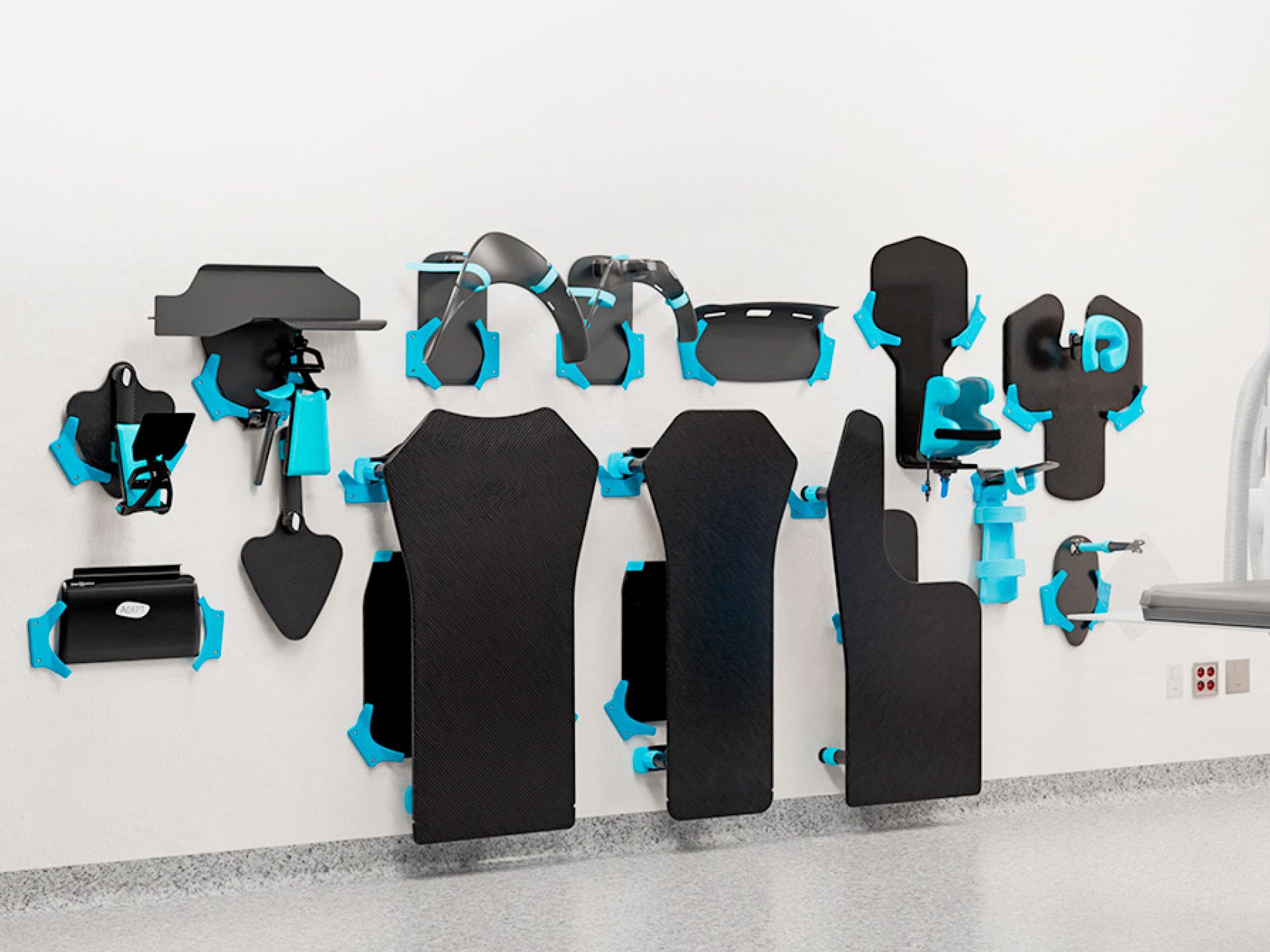
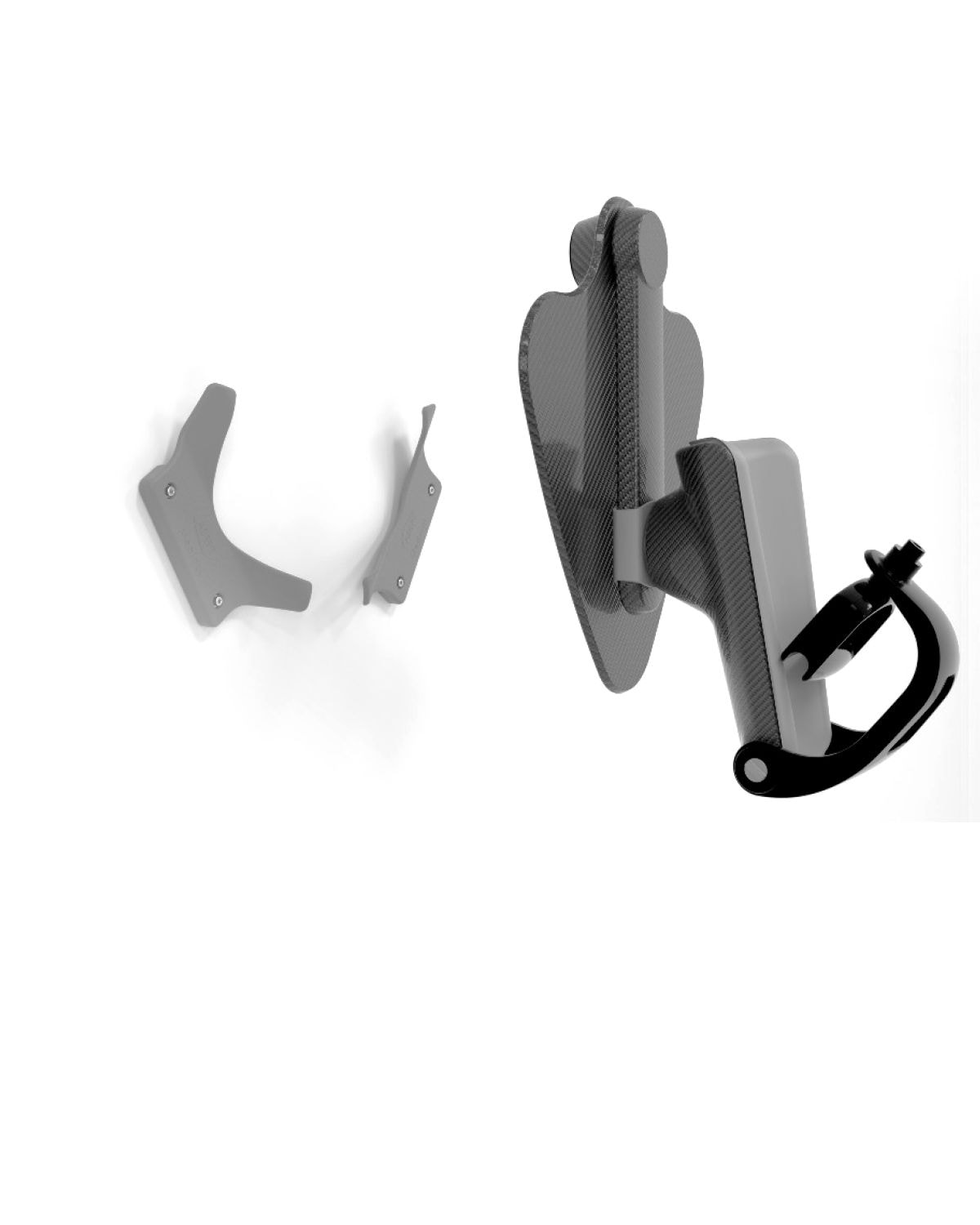
For a simple hanging solution, use the Storage System, a custom-designed, space-saving storage solution for the Adept Medical suite.